
To get started, the customer needs to create a Hobex E-Commerce account. To do so, contact your Hobex representative. They will perform the Hobex E-Commerce setup with you. If you already have one, you do not need to do this. Once you have completed it, please follow the instructions in this document. If you experience problems, please contact us and we can go through this document with you.
Storing the Data in bessa
Open the Manager and enter your payment data under the Payment Provider menu item.
-
Open Manager
-
Click the Order Settings menu item
-
Then click the Payment Providers tile
-
Fill in your credentials fields
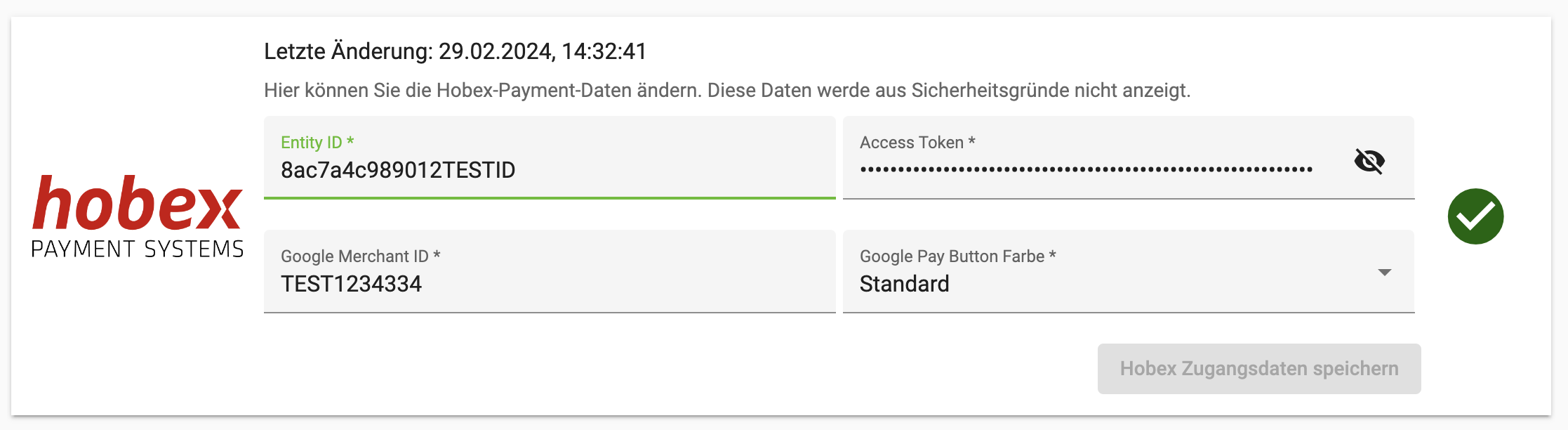
Google Pay
To enable Google Pay, follow the instructions in the attached PDF.