
The bessa Connector is the central order interface between bessa and the Sales Point system. We recommend installing the Connector on Windows machines; a detailed description can be found here: Bessa Connector Installer.
It is also possible to install the bessa Connector on Android devices. The following APK can be installed from the Play Store: https://play.google.com/store/apps/details?id=app.treuepass.connector
The bessa Connector can also be operated without a connected Sales Point. In this case, a Sumni V2 PRO must be used as the hardware, with the APK installed on it.
diePOS
The Connector is integrated directly into diePOS, but it can also be operated with the Windows or Android Connector. To use the integrated Connector, use the IP 127.0.0.1 and port 20030. If the standalone Connector is used on another device, enter the fixed IP address of the Sales Point.
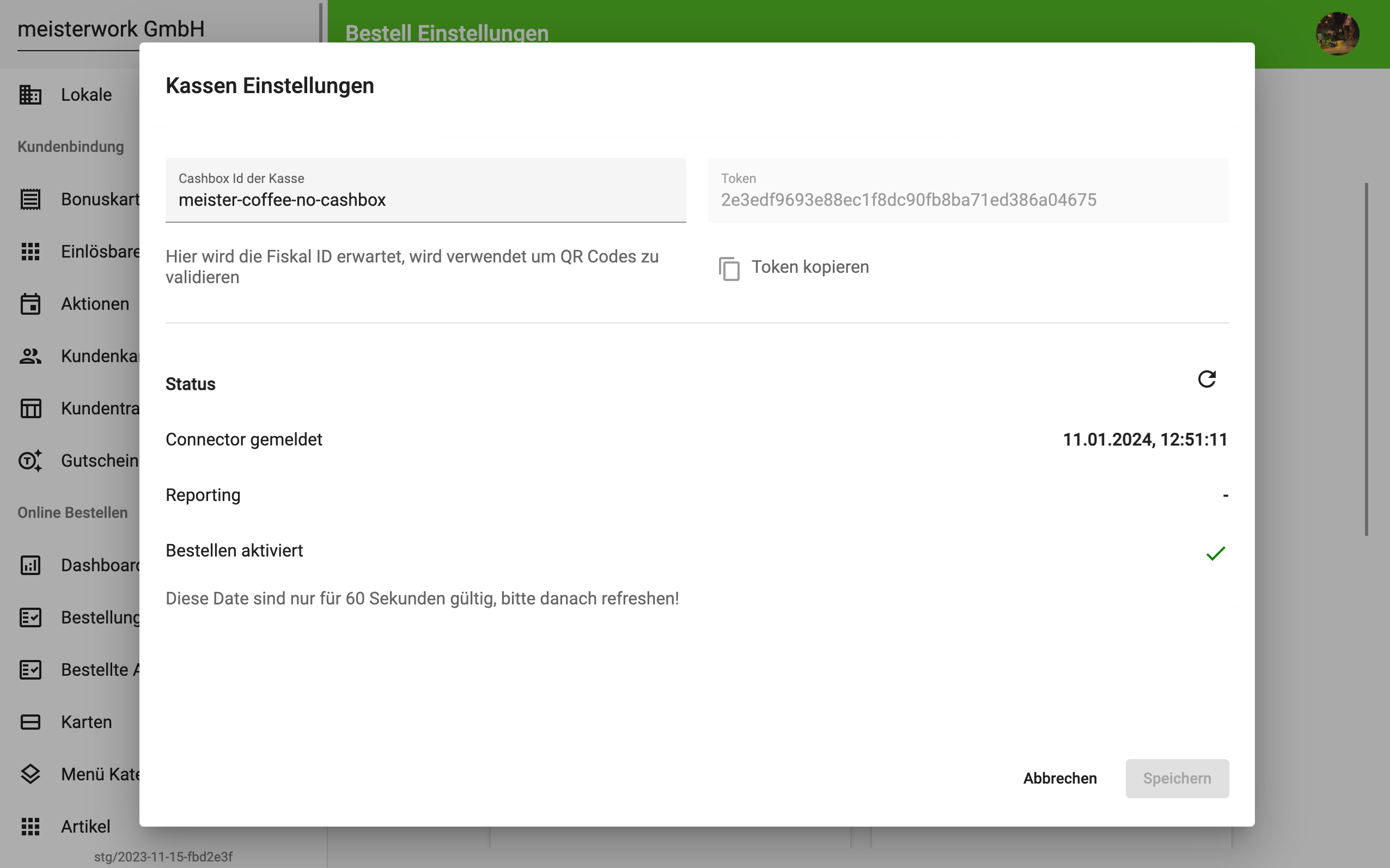
Connector Status
In Manager, you can check via the side menu under Order Settings > Sales Point Settings whether the Connector is active and connected to the Sales Point.
Troubleshooting
If issues arise, see the following article on how to send us the technical logs.