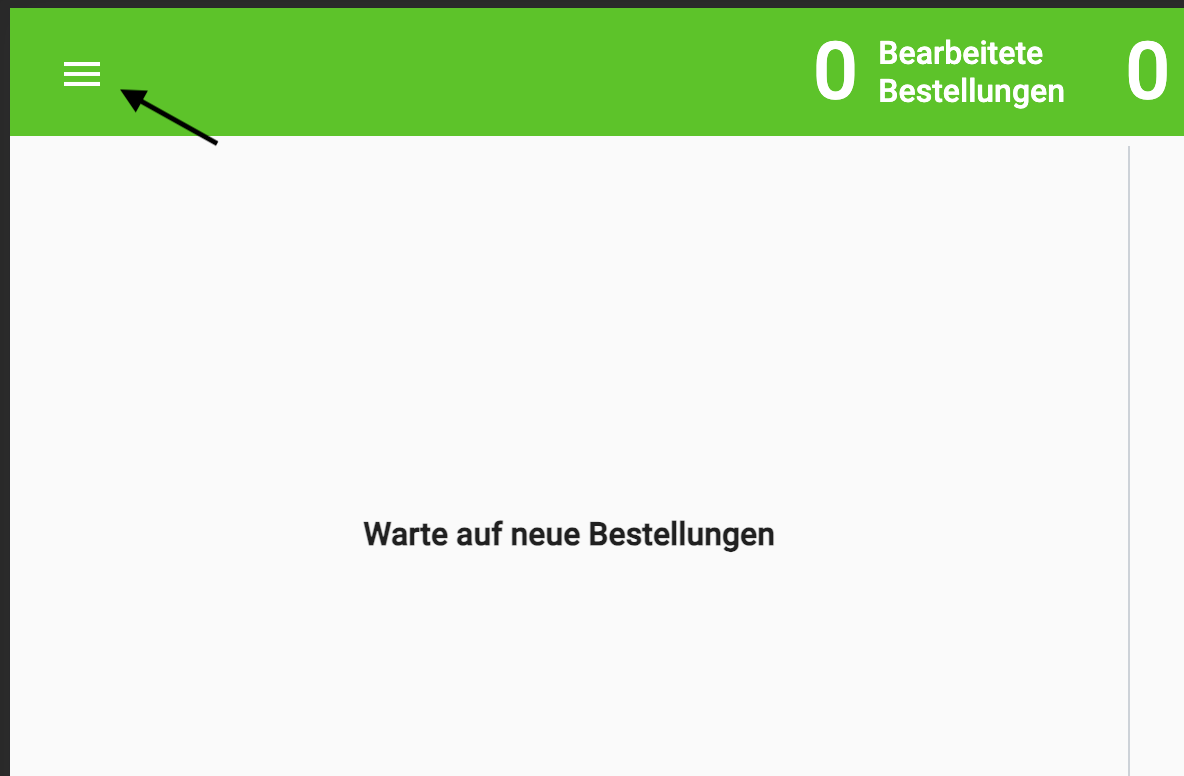
You can send us the Connector log files manually via the settings. Click the hamburger button as shown in the image below.
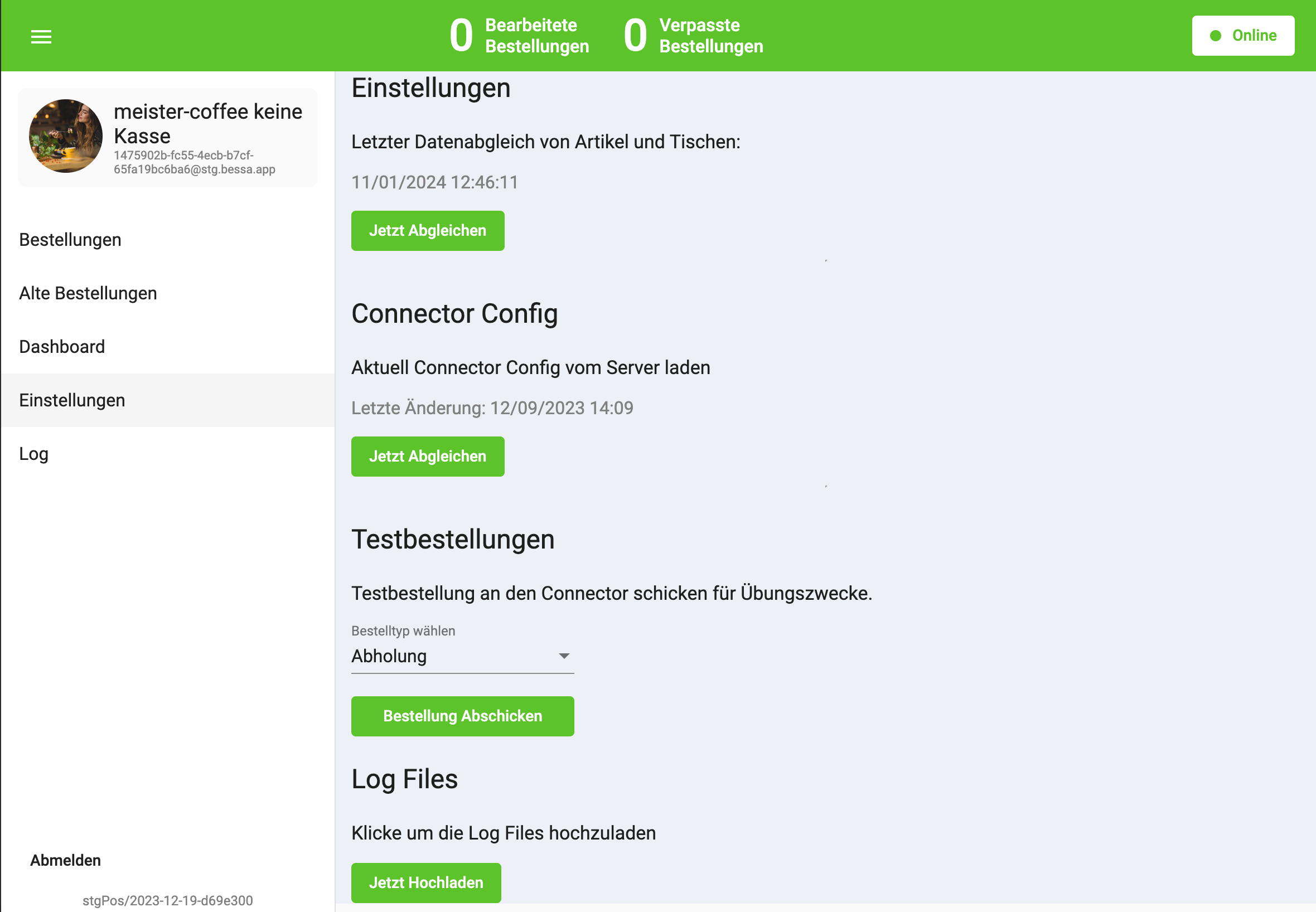
Then click Settings and, in the Log Files section, click the "Upload now" button. As shown in the following image:
Windows - Log Files
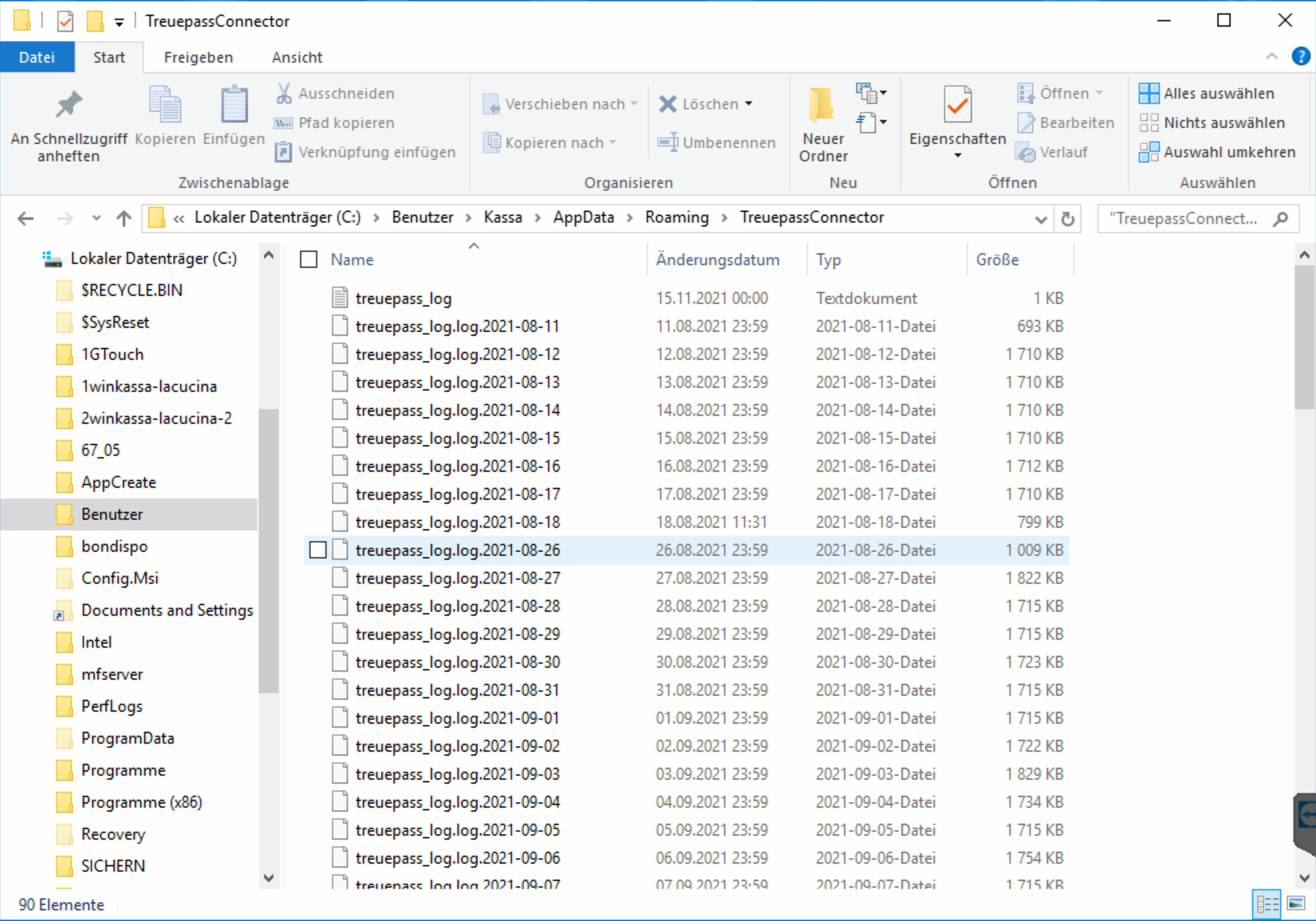
The bessa Connector from version 1.2.15.0 writes its log files to a special directory. To find this directory, simply open the command line and enter %APPDATA%.
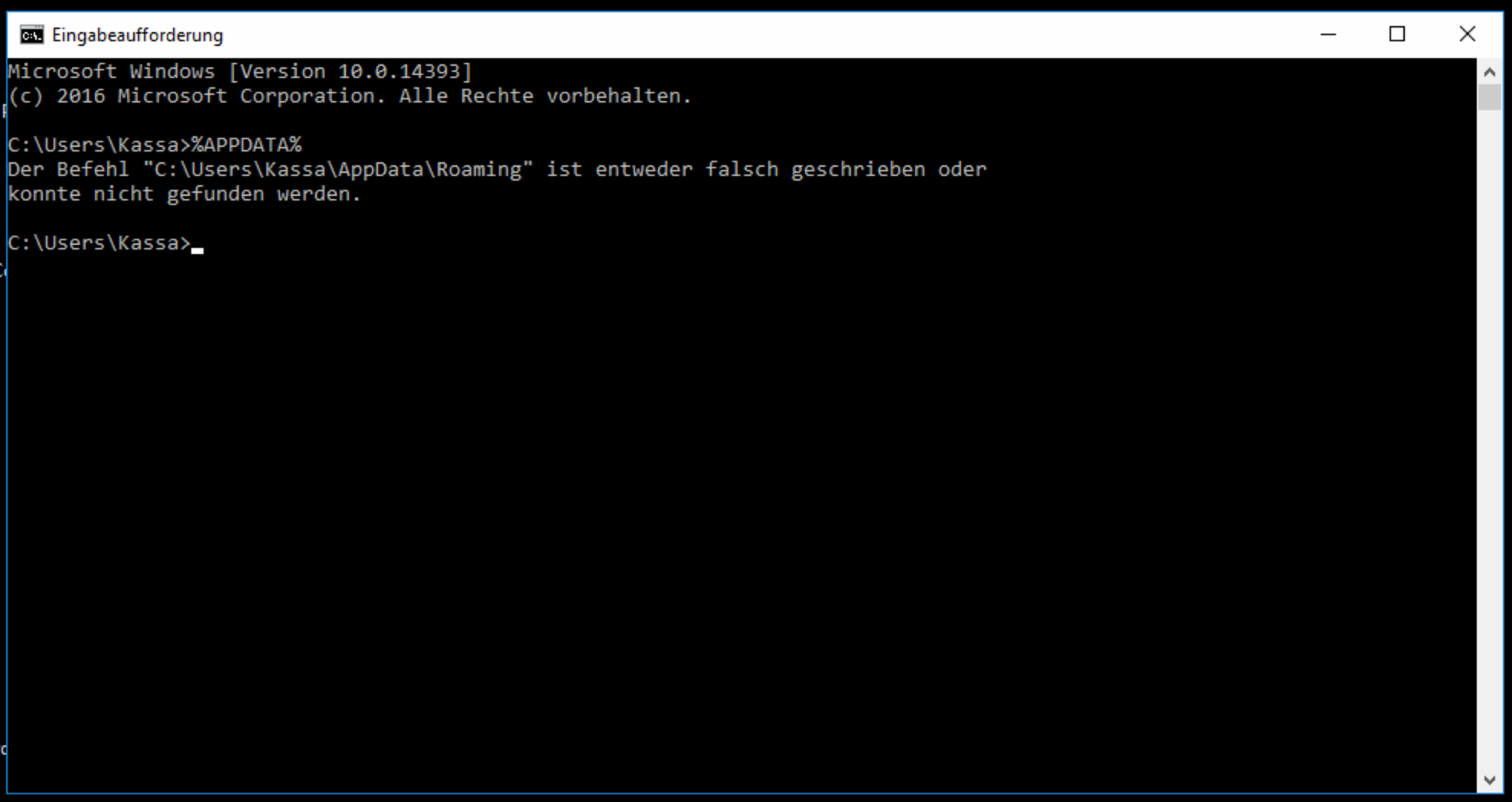
The command line then prints the path containing a subfolder with the log file.