For our Android apps of type Kiosk/Tablet/Connector there are log files. These can be found at
Files/Internal shared storage/Android/data/<APP_NAME>/files/<LOG_FILE_NAME>.log.
-
APP_NAME = name of the app, for example
app.treuepass.connectororat.meisterwork.loyalty.kiosk.styrassickiosk -
LOG_FILE_NAME = log file name, for example
connector-logger.logorhobex_tc.log
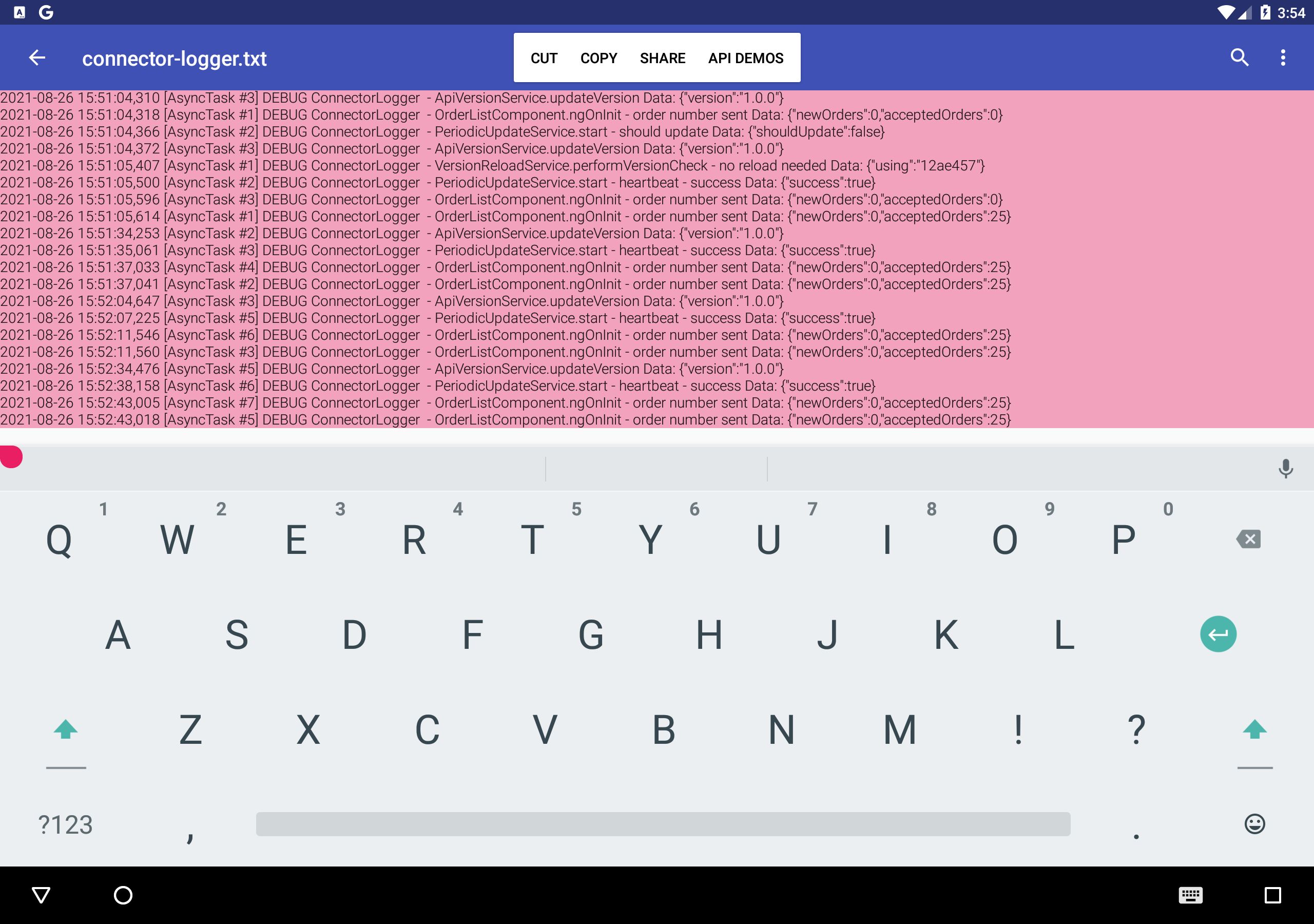
These files cannot be easily extracted from every Android device, so it is recommended to rename the log file from .log to .txt. This way you can open the file directly on the Android device, select the entire text and copy & paste the log.
-
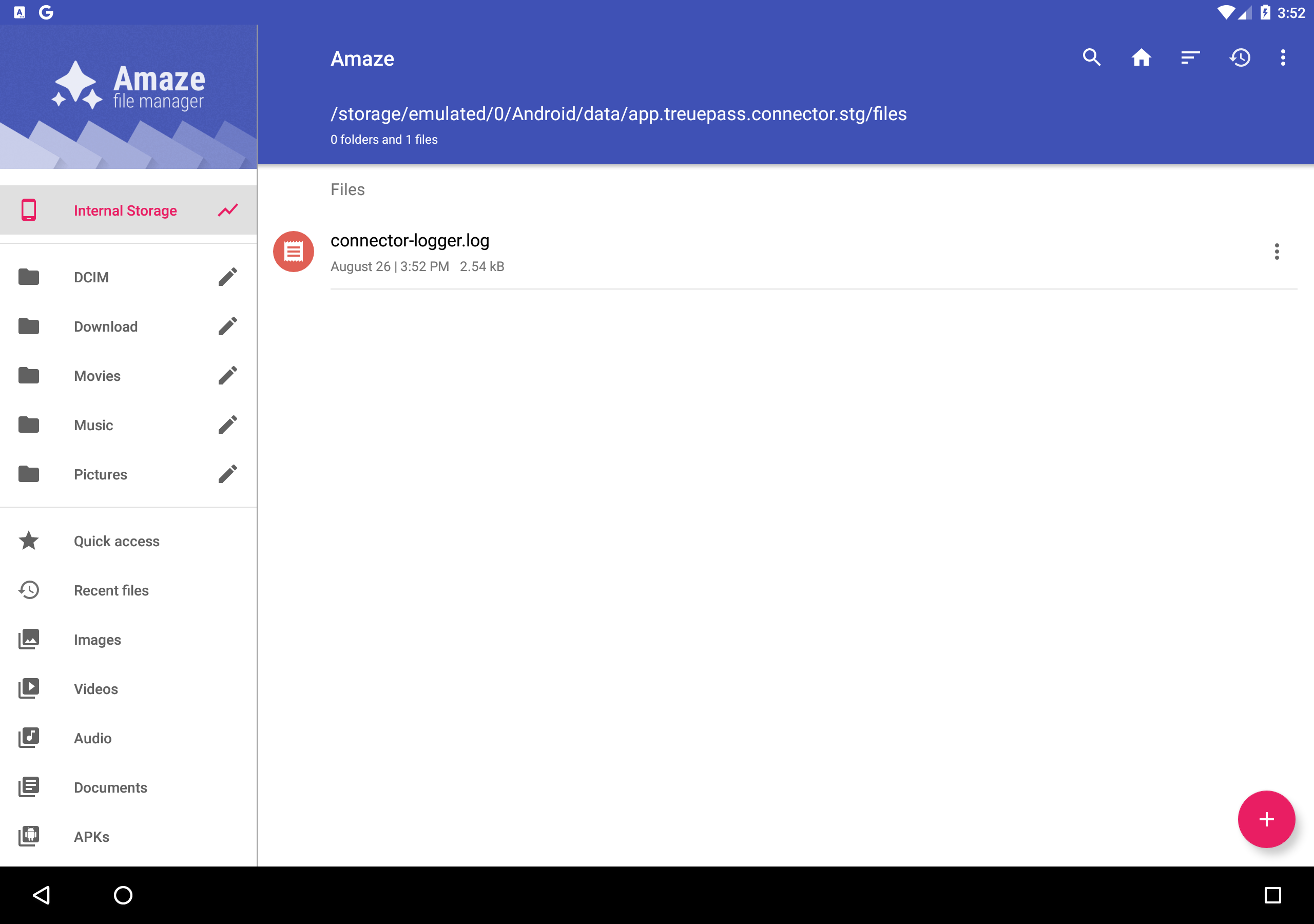
Open File Manager and find the app
-
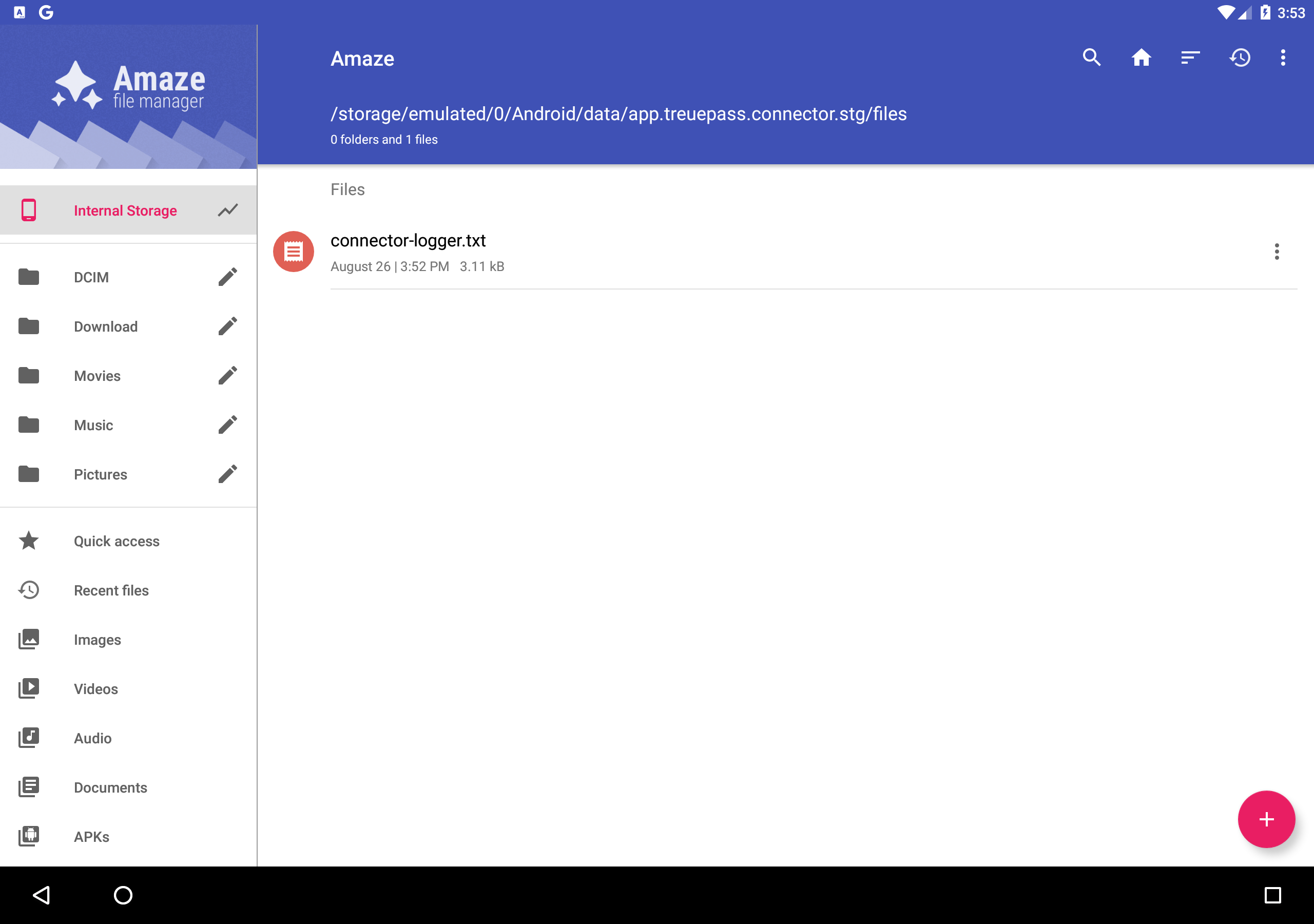
Rename the log file
-
Open the file and copy the text