
The bessa Uploader is required to synchronise the master data of a Gastrotouch Sales Point with the bessa server. In Manager, click Order Settings in the side menu and then the Sales Point Settings tile. So that bessa can generate an Uploader for your Sales Point, the following menu must be filled in.
Fill in the fields. The fiscalisation ID (Cashbox ID of the Sales Point) is required in Austria and Germany; in Switzerland it can be freely chosen.
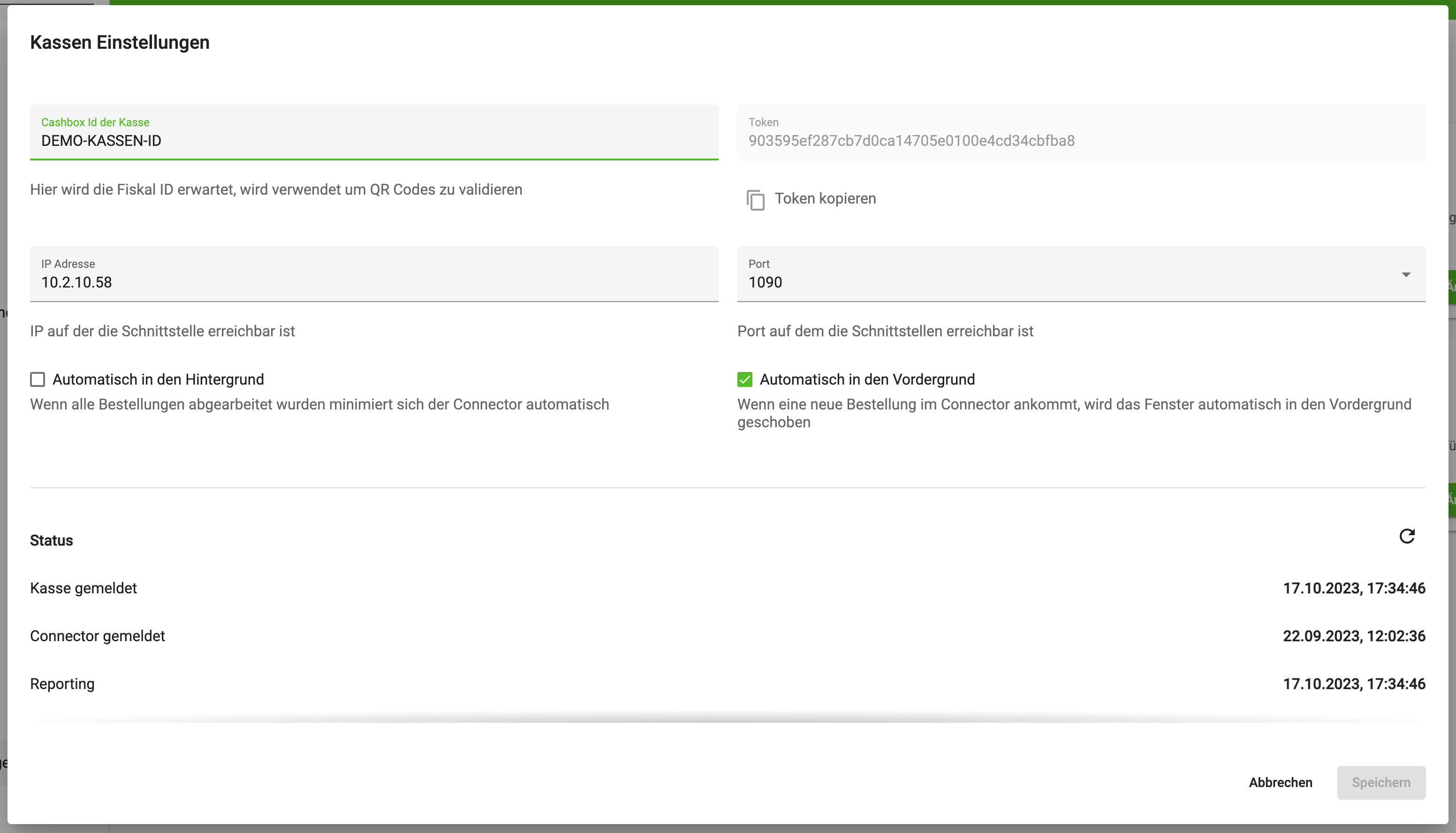
When you have filled in the fields, scroll down and download the Gastro Touch Uploader bessa Uploader, as shown in the following image.
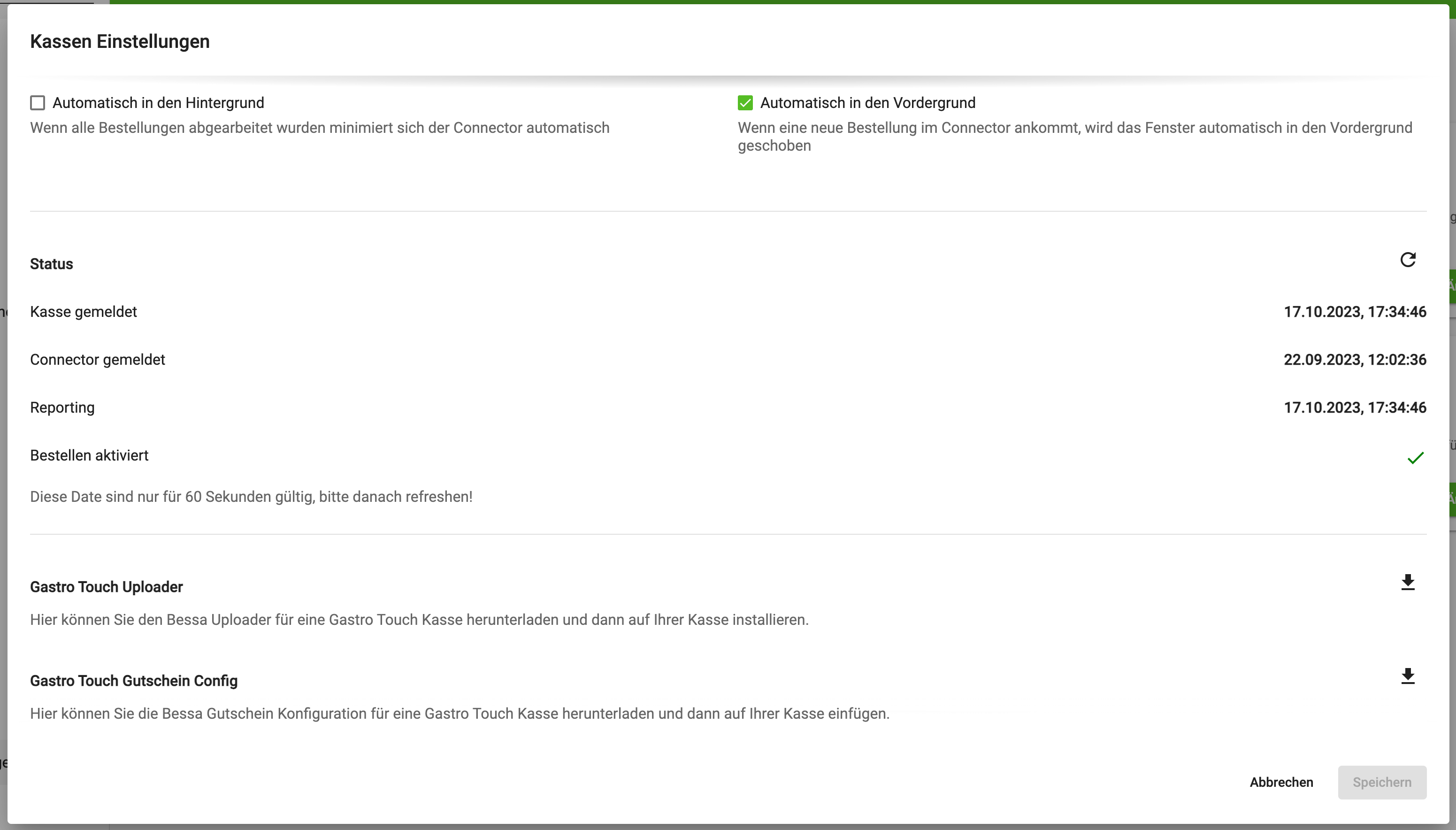
Load the downloaded Connector onto the Sales Point. Then install the Uploader by double-clicking. It is then installed in the folder C:/Treuepass. If the Sales Point is not installed in the C:/Winkasse folder, you can change this path in the file C:/Treuepass/config.cfg.
Data Synchronisation - Details
The following datasets are synchronised with bessa:
-
KONTOTAB.dbf
-
artikel.dbf
-
kellner.dbf
-
kunden.dbf
-
sparten.dbf
-
tisch.dbf
-
zubeart.dbf
These datasets are required to be able to create a menu in bessa Manager. If the KPI module is also installed, the following data is uploaded as well.
-
DE<date>.txtExample:DE20230303.txt -
BW<date>.dbfExample:BW230303.dbf