
Security note: For security reasons, we recommend that you change the password we provided immediately after logging in.
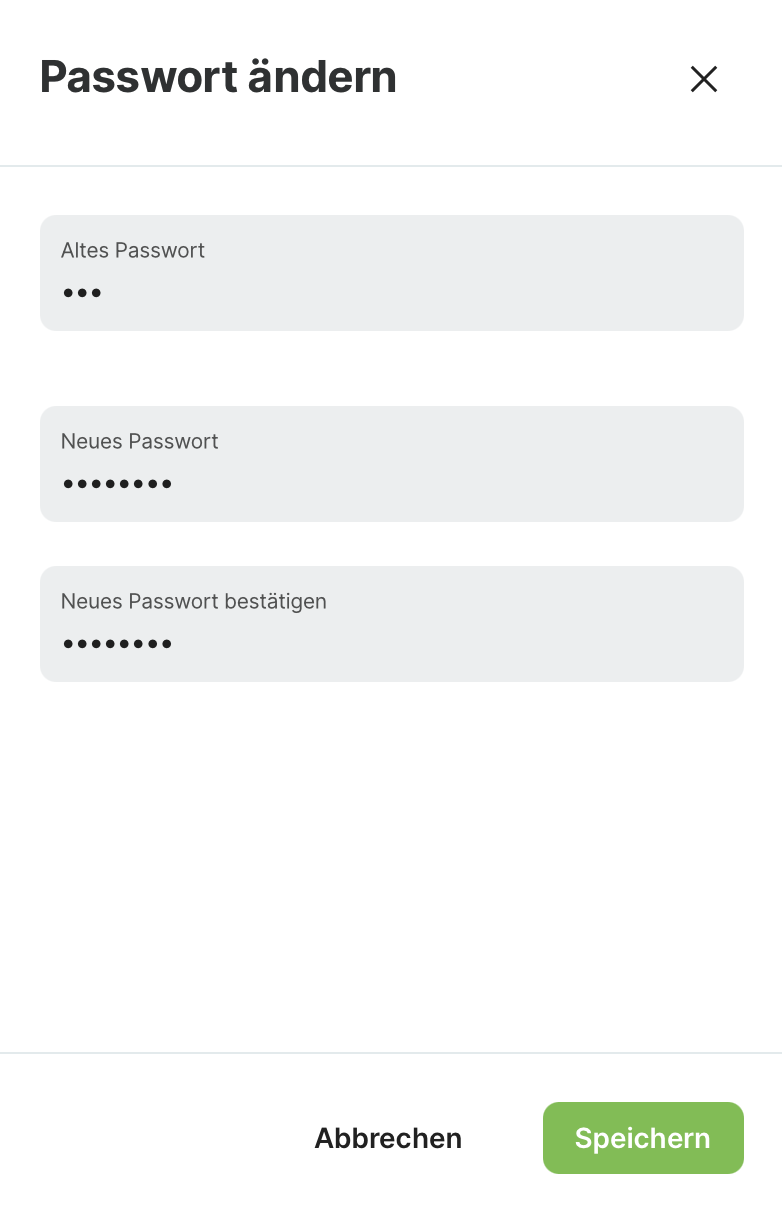
To change your password, click on the Sales Point logo at the top right of the Manager interface, then "Manage account", and then "Change password".
Criteria for a Secure Password
To ensure a secure password, the following criteria must be met:
-
The password must not be too similar to other personal information.
-
The password must contain at least 8 characters.
-
The password must not be commonly used.
-
The password must not consist entirely of digits.