
When creating a menu, it often happens that articles cannot simply be sold as a simple product, but can be more complex. So an article can consist of several articles. The example used here is the article "Steak":
The article Steak has several side dishes that the customer can choose freely.
-
Doneness (rare, medium, well done)
-
Side dish (fries, baked potato, etc.)
-
Sauce
This example shows how article side dishes can be created in bessa Manager. You start this process by clicking on the Article - Side Dishes menu item.
-
Click on New article side dish – this button is in the bottom right corner.
-
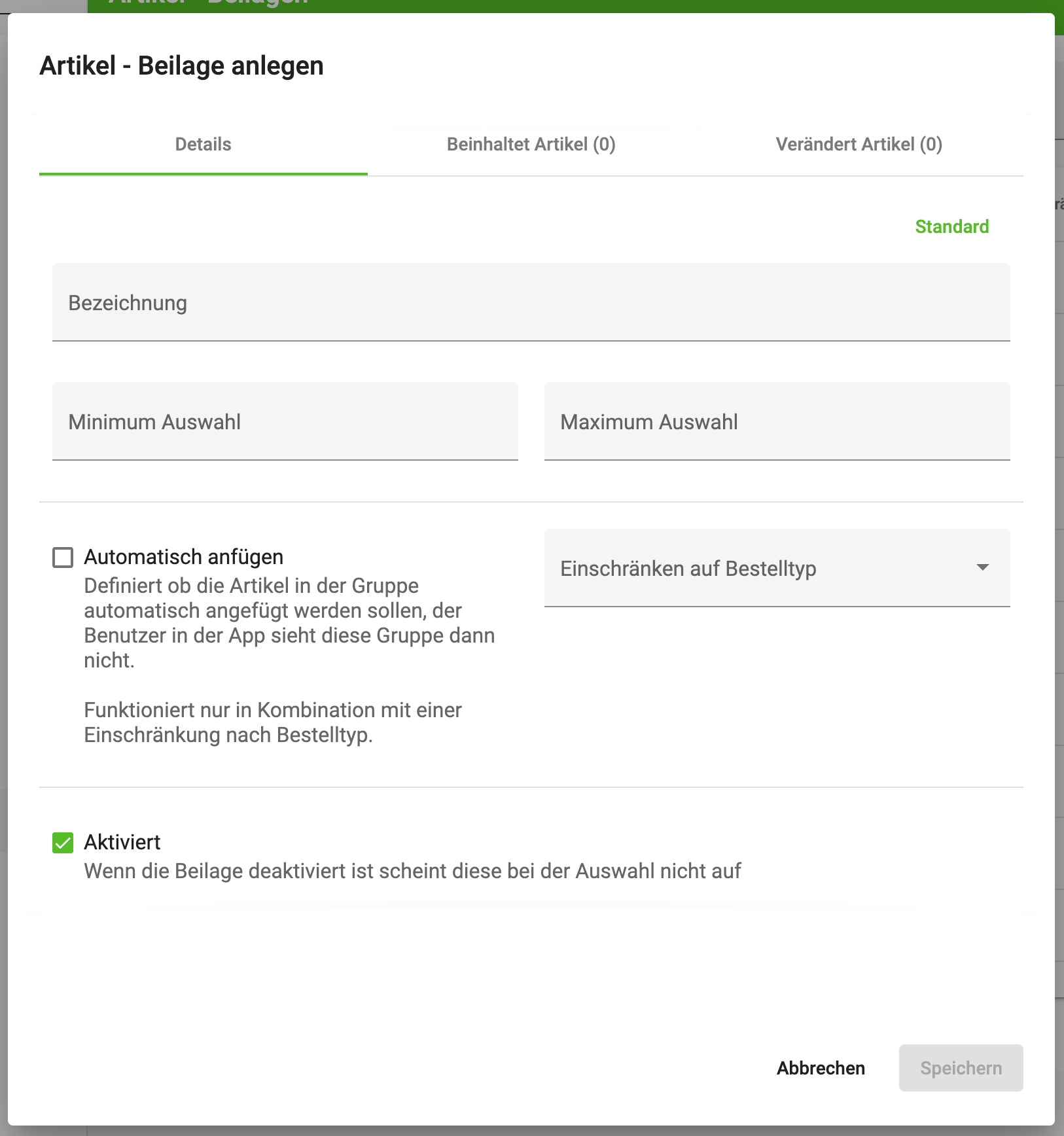
A dialog then opens in which you can create your article side dish. Fill in this dialog. The minimum and maximum selection quantity is used to define how often a side dish can be selected. If you enter 0 as minimum, it is also possible that no side dish has to be selected.
-
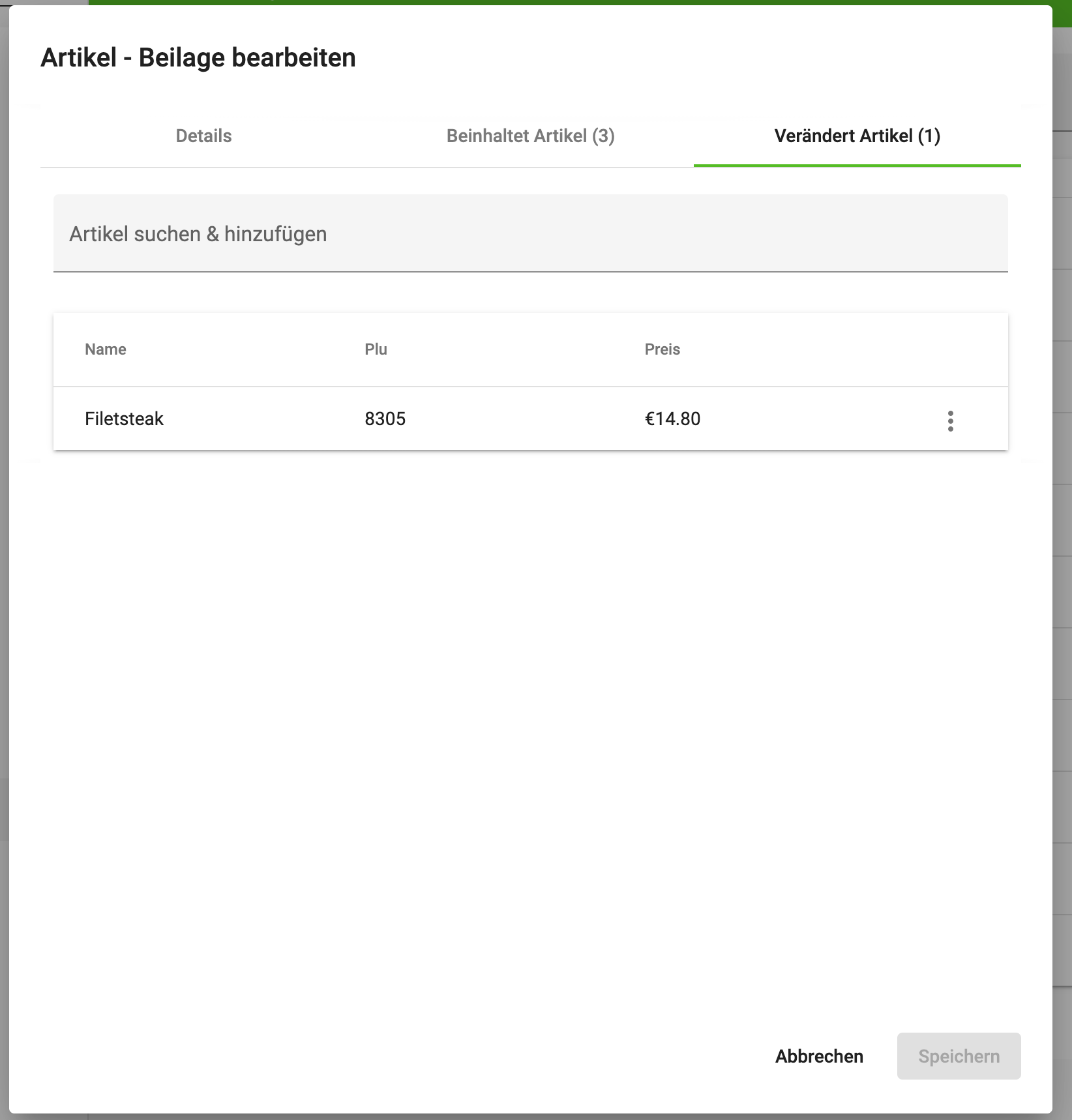
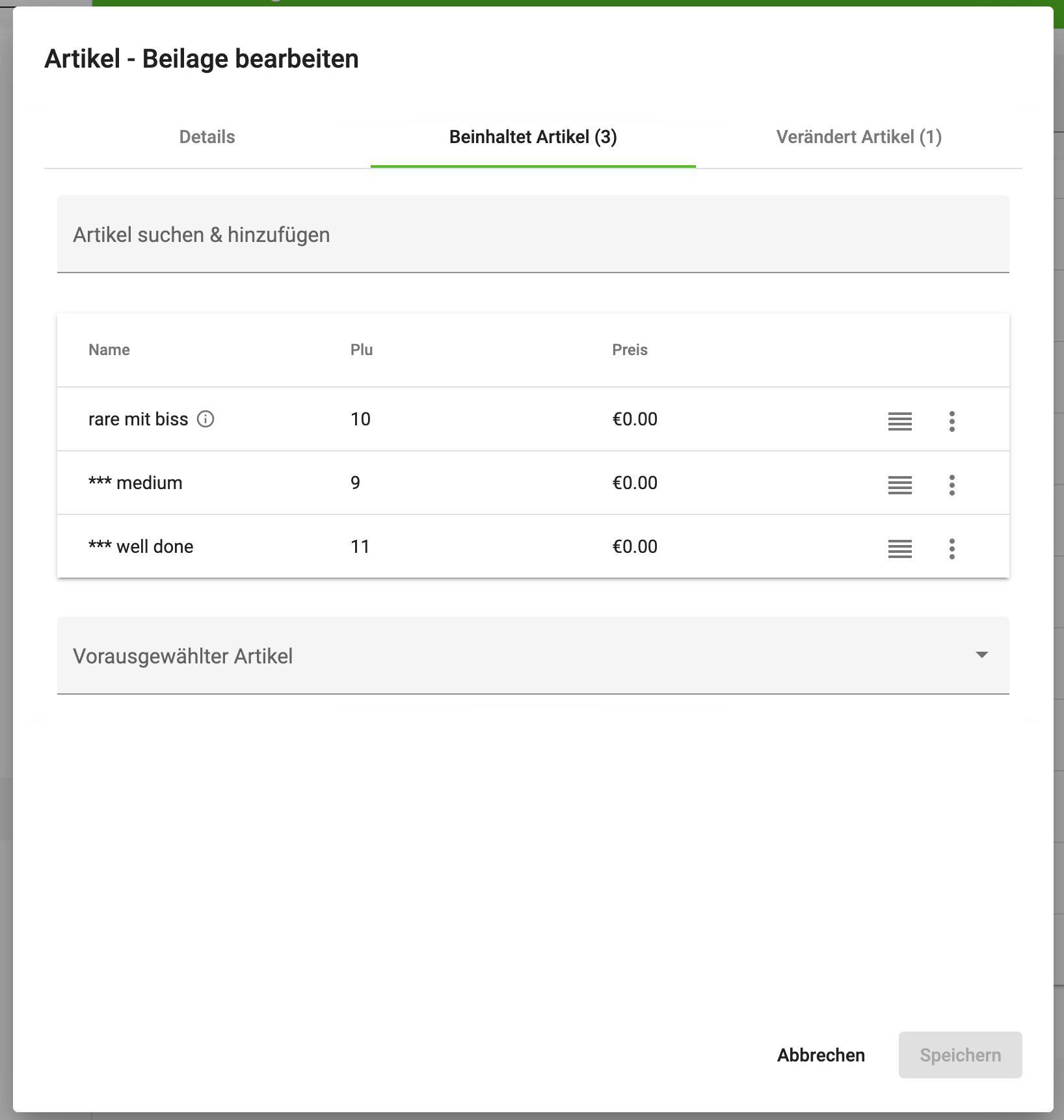
An article side dish can be used for multiple articles. The articles selected here must of course already exist. If your Sales Point is connected to our system, make sure the articles have been synchronised.