In self-service operation it is important to inform the guest when drinks and food are ready. To activate this, you can choose the notification type under the order-type settings in Manager.
There are 3 options:
-
No notification
-
Send notification
AOrder Donebutton is shown in the Connector. When clicked, the order is marked asDoneand a notification is generated. -
Notify drinks & food separately
ADrinks DoneandOrder Donebutton is shown in the Connector. WhenDrinks Doneis clicked, a notification is generated; whenOrder Doneis clicked, a notification is generated and the order is marked asDone.
Note:
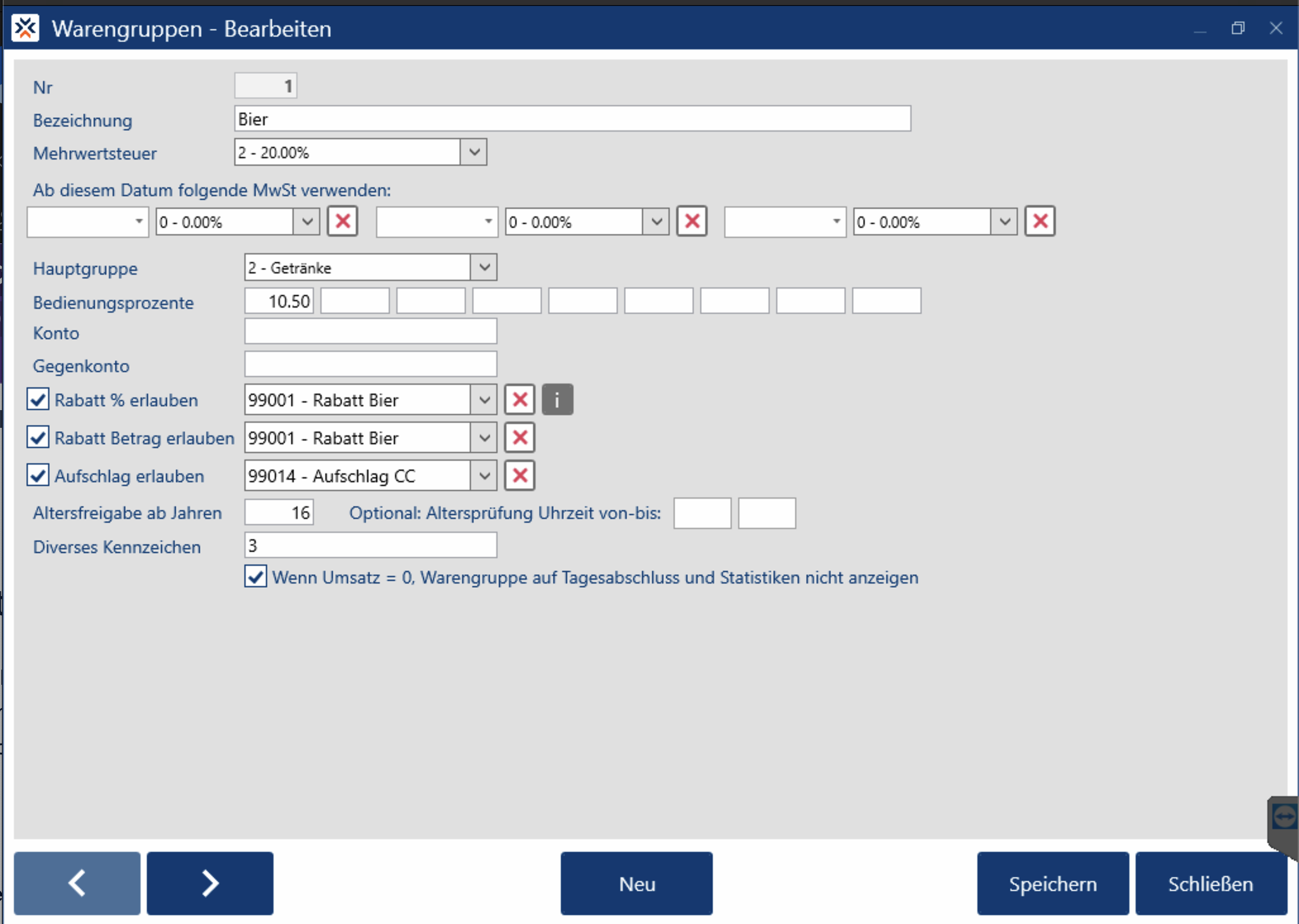
For drinks and food to be notified separately, the articles must be assigned to the correct merchandise group / article group. Drinks = 3 and Food = 4.
By default this is not enabled on the Melzer X3000, but it can be set under Merchandise groups > Merchandise group > Misc Indicator.