
It is possible to collect points and stamps via a digital invoice. To do this, you must create a digital.prx file with the following example content:
digital.PRX extra fuer Online-Rechnung
    Neuerung am 18.09.2023
         Wir freuen uns auf ein
          BALDIGES WIEDERSEHEN
<a href="https://order.bessa.app/?app=loyaltyvendor&v=1&qr-code=<QR-CODE>">Treuebonus sammeln</a>
   ---------------------------------
At the end of the file you see a link. This link takes the user to a bessa landing page and from there directly into the venue's app.
The following parameters need to be set:
-
app=loyaltyvendordescribes which app to open – in this case the partner app -
v=1the ID of the venue this QR code belongs to
The link in this example goes to https://stgorder.bessa.app/?app=loyaltyvendor&v=1&qr-code=X1IxLUFUMV9ERU1PLUtBU1NFTi1JRF82ODJfMjAyMy0xMC0wNVQxNTo1MjoxM18xMiw0MF8wLDAwXzAsMDBfMCwwMF8wLDAwX3JuZnF0d0U9XzJjM2UyZmM4XzBRRFZIVDNXR0c4PV9CUXdNb3F0Y2MyaU1Nd0xRcDdsUzN5ZFIxOXBrUmczV2xmZlFuTmhQdzUzOXIzc2VMaEV0RkxkNFk3M0NGNkxOTmV2M0NIQzdRZnJTTGNWS2t1aTlOQT09DQo%3d, which looks like this:
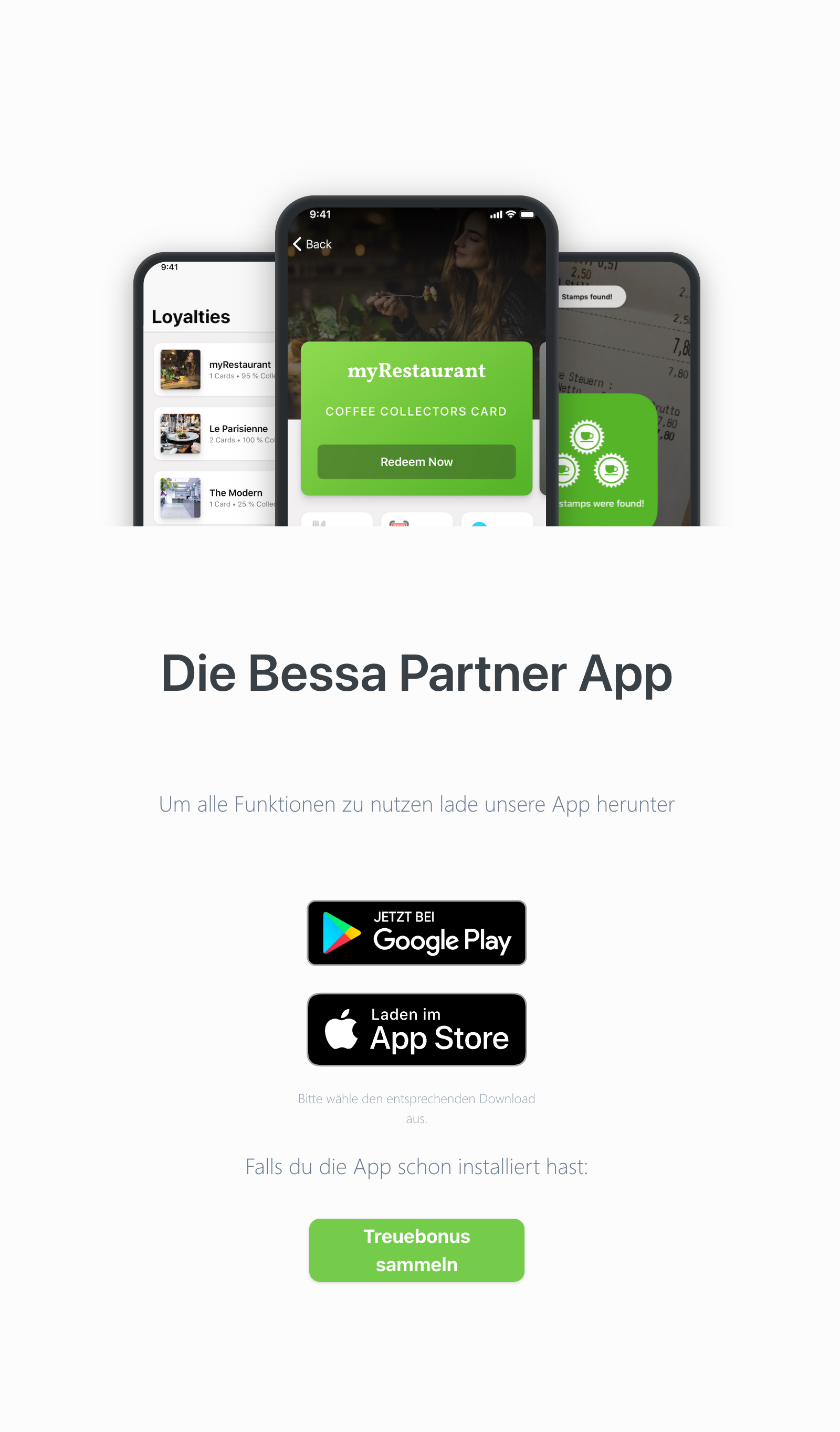
When the customer clicks "Collect loyalty bonus", they are forwarded to the app and collect points/stamps there. A demo video is attached.